 Iron Diary
Completely free. No ads. No account. Your data stays on your phone.
Serious workout tracking. Seriously free.
Built by software engineers who lift. We made Iron Diary for our own training, then decided it was too useful to keep to ourselves. It’s a passion project, not our day job — that’s why it’s free, and why we’re not trying to sell you anything.
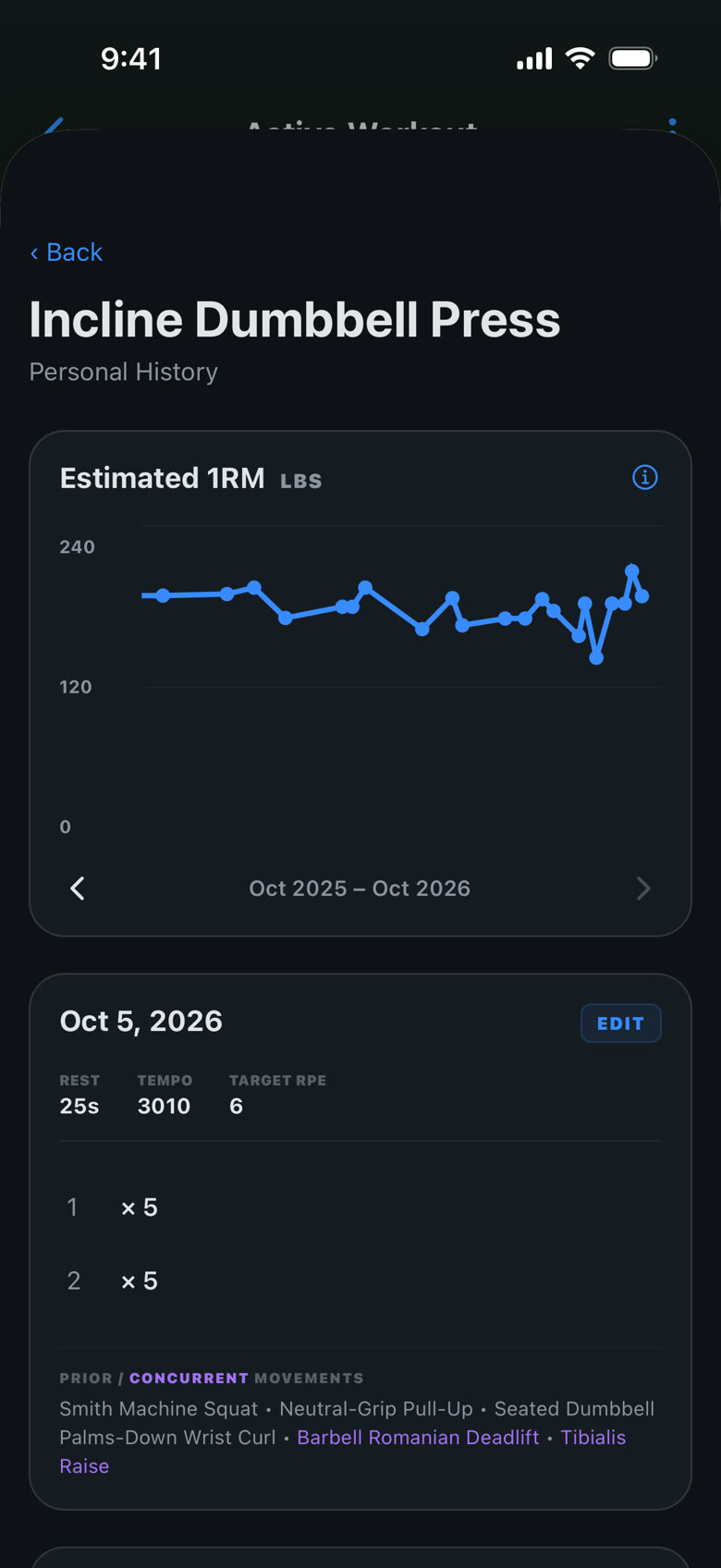
Track the data points you need for maximum results. Weight, reps, distance, time, RPE, tempo, and rest — whatever each exercise needs, solo or in supersets. An estimated 1RM that accounts for how hard — and how slowly — you actually lifted.
Your data: never sold, never shared, never used for ads. The only data we receive is anonymous analytics, used to find bugs and improve the app.
Tracking
Log the variables that drive progress
Weight × reps is where most logs stop. It’s where Iron Diary starts.
RPE on every exercise
Set a target effort on the 1–10 scale for each exercise, so you train hard on purpose rather than by accident — and your history shows how hard each session really was.
Tempo
Record tempo in standard four-digit notation — 3110, 31X1 — for eccentric control, pauses, and explosive concentrics.
Rest, timed
Rest targets per exercise, with a timer that follows you to the Lock Screen and Dynamic Island. Put the phone down between sets.
Supersets
Group exercises into supersets and alternate through them — A1, A2, back to A1 — exactly as you train them.
Last session, in view
What you lifted last time shows next to every exercise, so progressive overload is a glance, not a search.
Every modality
Weight and reps, bodyweight, duration, distance, calories — each exercise shows the fields it actually uses, from barbell work to rowing intervals and carries.
RPE and tempo are optional. Turn them off in Settings and the log stays as simple as weight × reps.
Estimated 1RM
A 1RM estimate that knows how hard you pushed
Standard one-rep-max formulas assume every set went to failure at a normal speed. Real training doesn’t: you leave reps in reserve, and you slow the lift down on purpose. Plug those sets into a plain formula and it under-reads your strength.
Iron Diary adjusts for both. RPE tells it how many reps you had left (reps in reserve = 10 − RPE); tempo tells it how much a controlled or paused rep costs you. The result is an estimate you can trend week to week — whatever the set looked like.
Same set, different effort
| Logged | Reps left | Estimated 1RM |
|---|---|---|
| 225 × 5 @ RPE 10 | 0 | 263 lb |
| 225 × 5 @ RPE 8 | 2 | 278 lb |
| 225 × 5 @ RPE 6 | 4 | 293 lb |
A plain formula scores all three as 263 lb.
A look inside
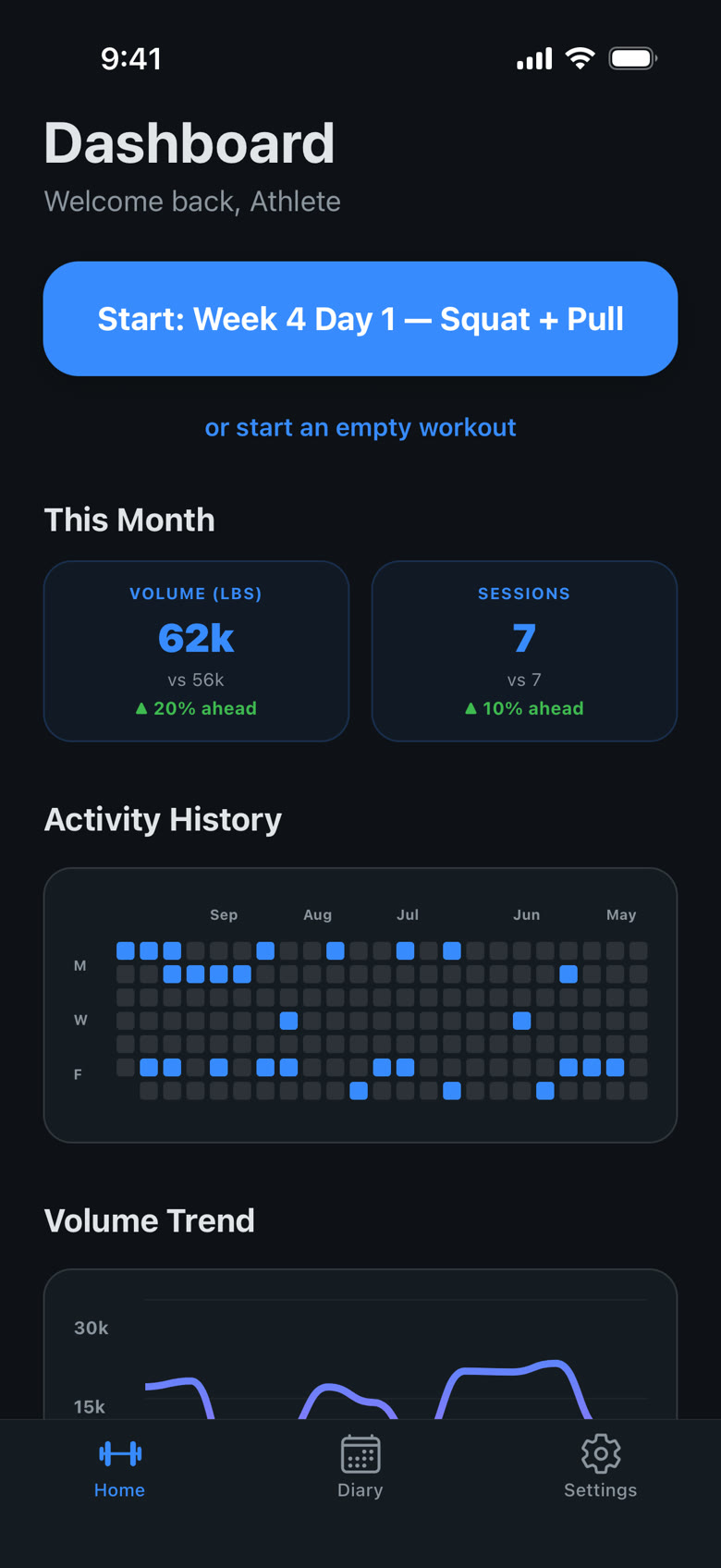
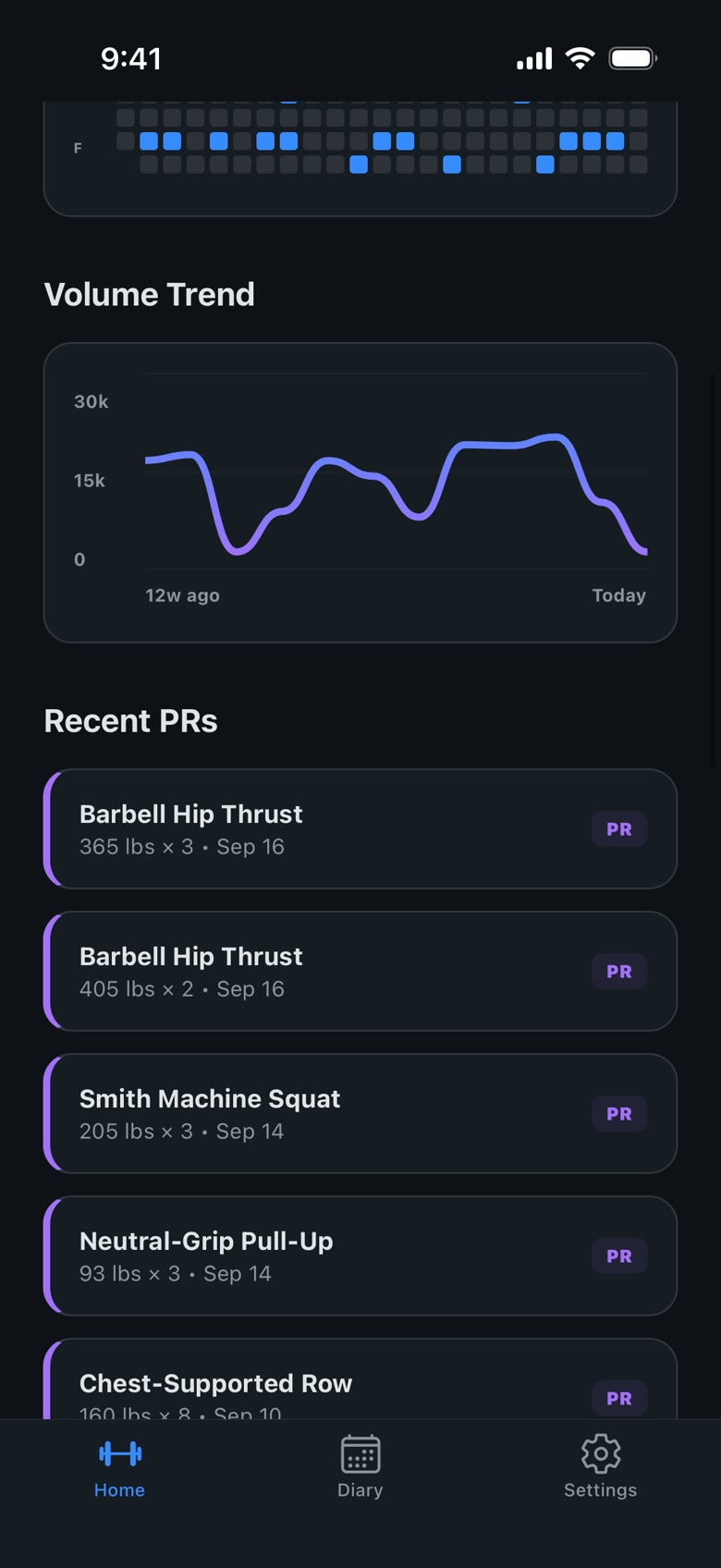
Your progress, at a glance
Programs with AI
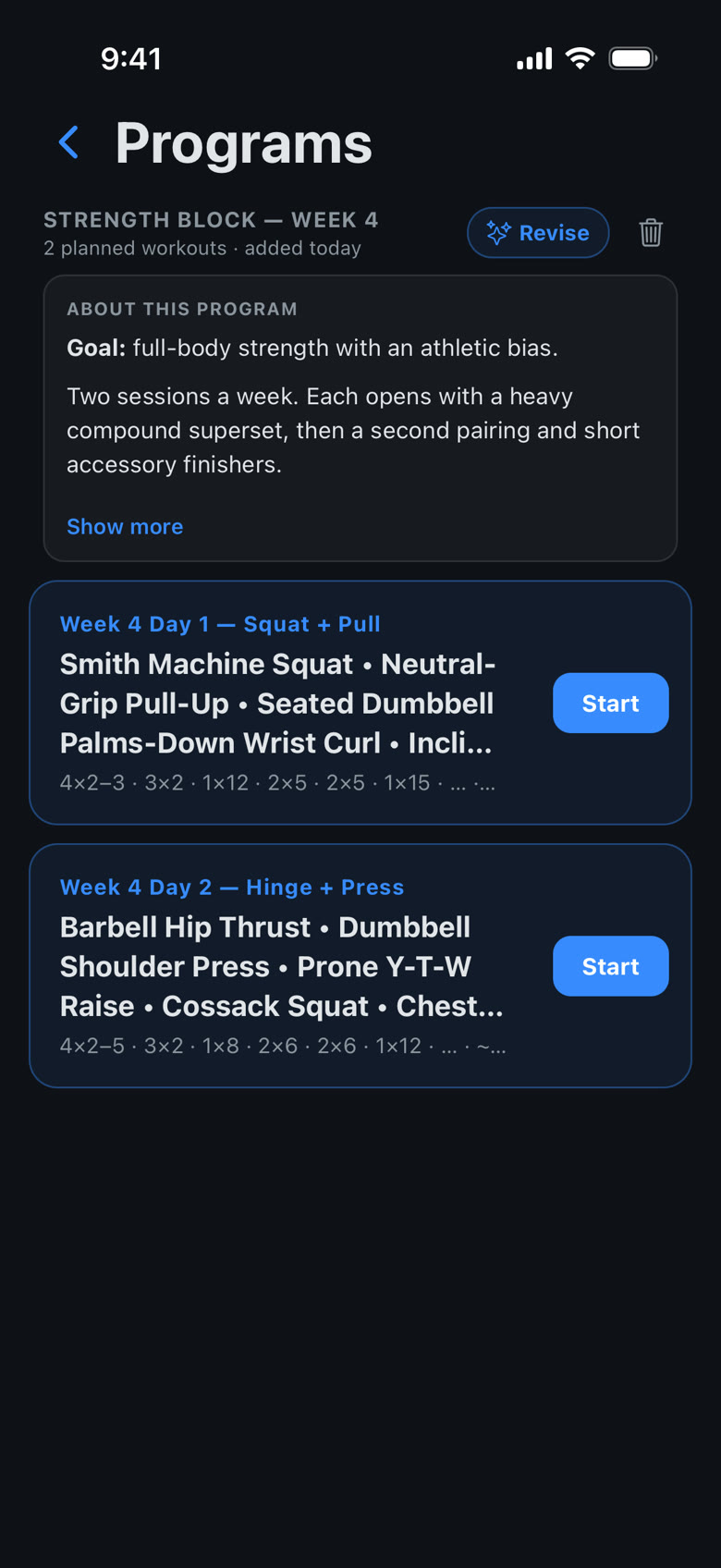
Programs built on effort, not guesses
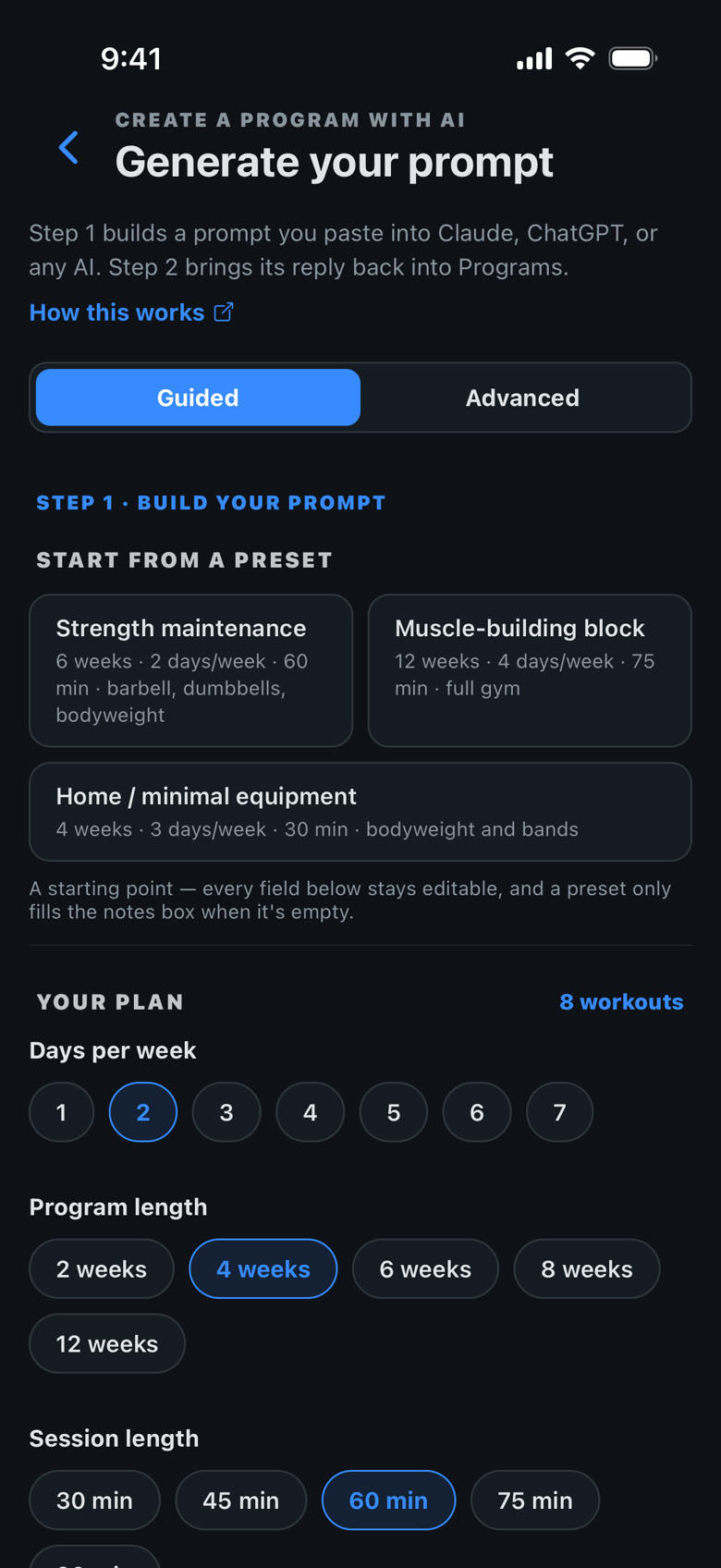
Tell Iron Diary your schedule, goal, and equipment. It writes a detailed prompt for ChatGPT, Claude, or any AI — with your exercise library and your recent training — and imports the program the AI sends back.
Every program is prescribed by RPE, tempo, and rest, never by weight. An AI can’t know what you’ll have on the day; you choose the load against the target effort. That’s autoregulation, and it’s how the program stays right when you’re fresh and when you’re not.
Also in the box
800+ exercises
A built-in library across barbells, dumbbells, machines, cables, kettlebells, bands, and bodyweight — plus any exercise you add.
PRs and trends
Personal records, volume and time trends, and an activity calendar that shows your consistency at a glance.
Insights from Apple Health
Your Apple Health workouts in your diary, plus a daily readiness summary from HRV, resting heart rate, and sleep.
Privacy
Completely free. No ads. No account.
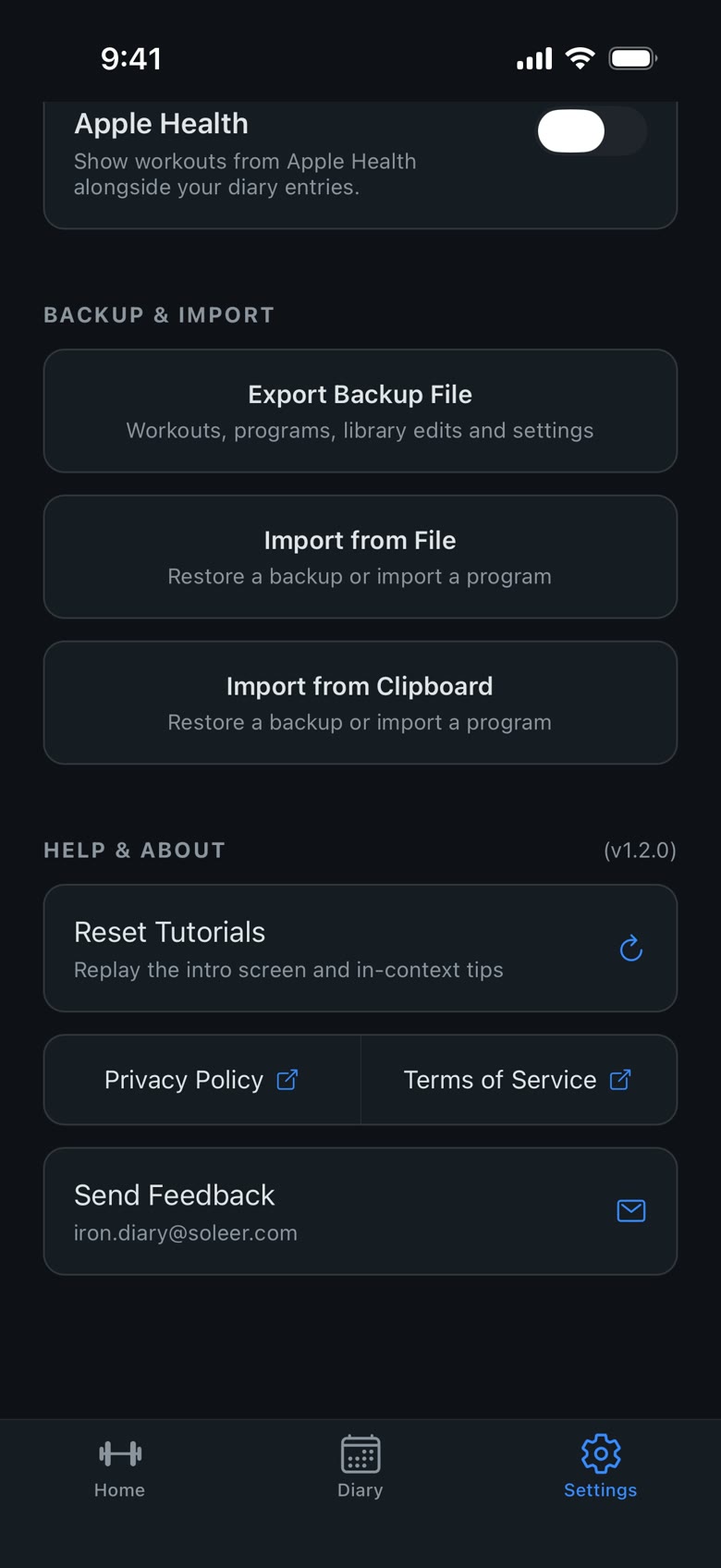
Every set, weight, and note is stored only on your iPhone. There’s no account and no server holding your training. Your workout history lives on your phone, not ours. Export a full backup whenever you like, and import it on a new phone.
To improve the app, Iron Diary collects anonymous usage analytics: which screens get used, and crash reports. That data is used only by us. It’s never sold, never shared with advertisers, and never used to track you across other apps.
Full details in the Privacy Policy.